

See the editor in action
Flip between the video and image editors. Each shows the editor at work and the polished, watermark-free result.
Drop your recording in, add a 3D device, camera moves, backdrop and text — and export the polished clip.
From recording to showcase in three steps
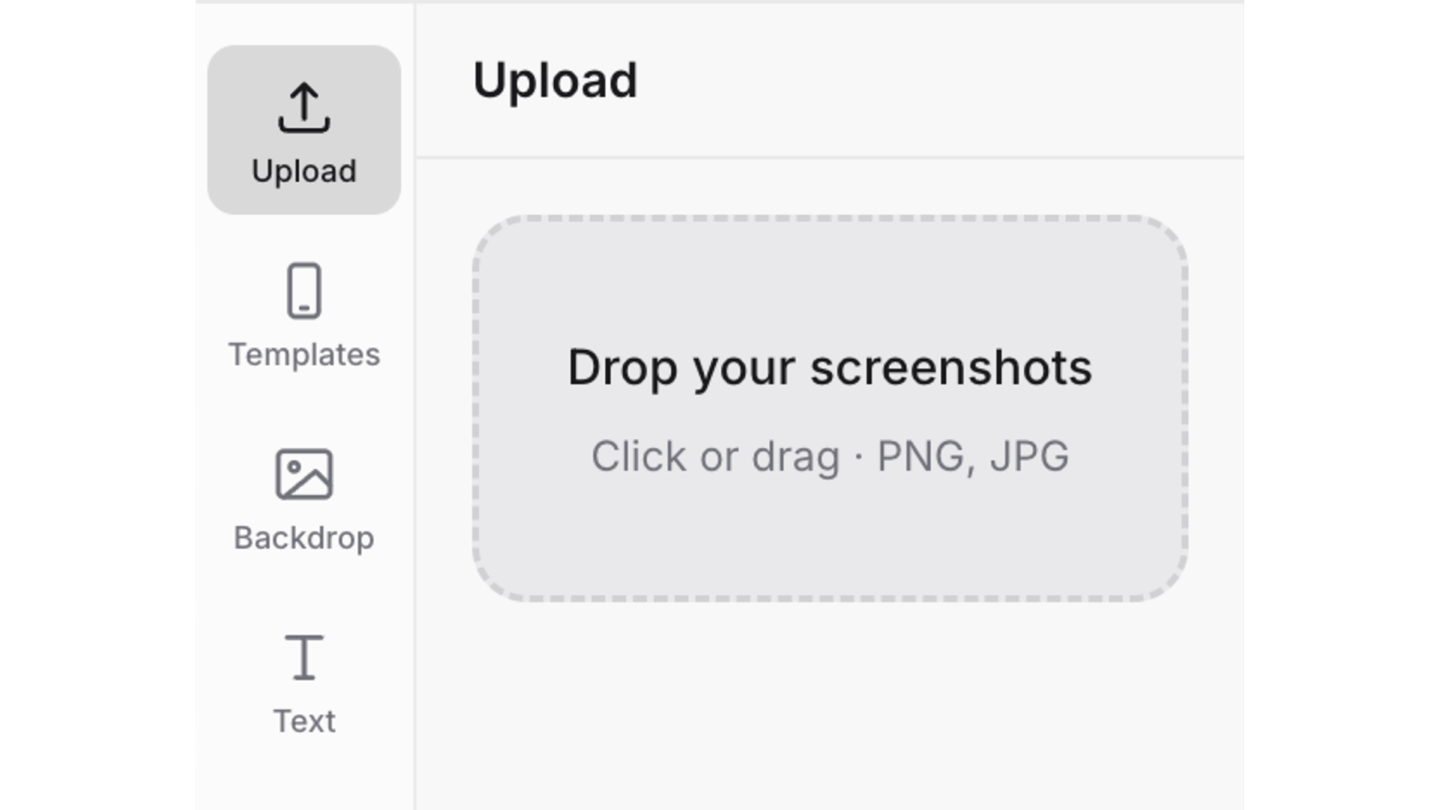
Upload your recording
Bring a screen capture into the editor. It stays on your device.
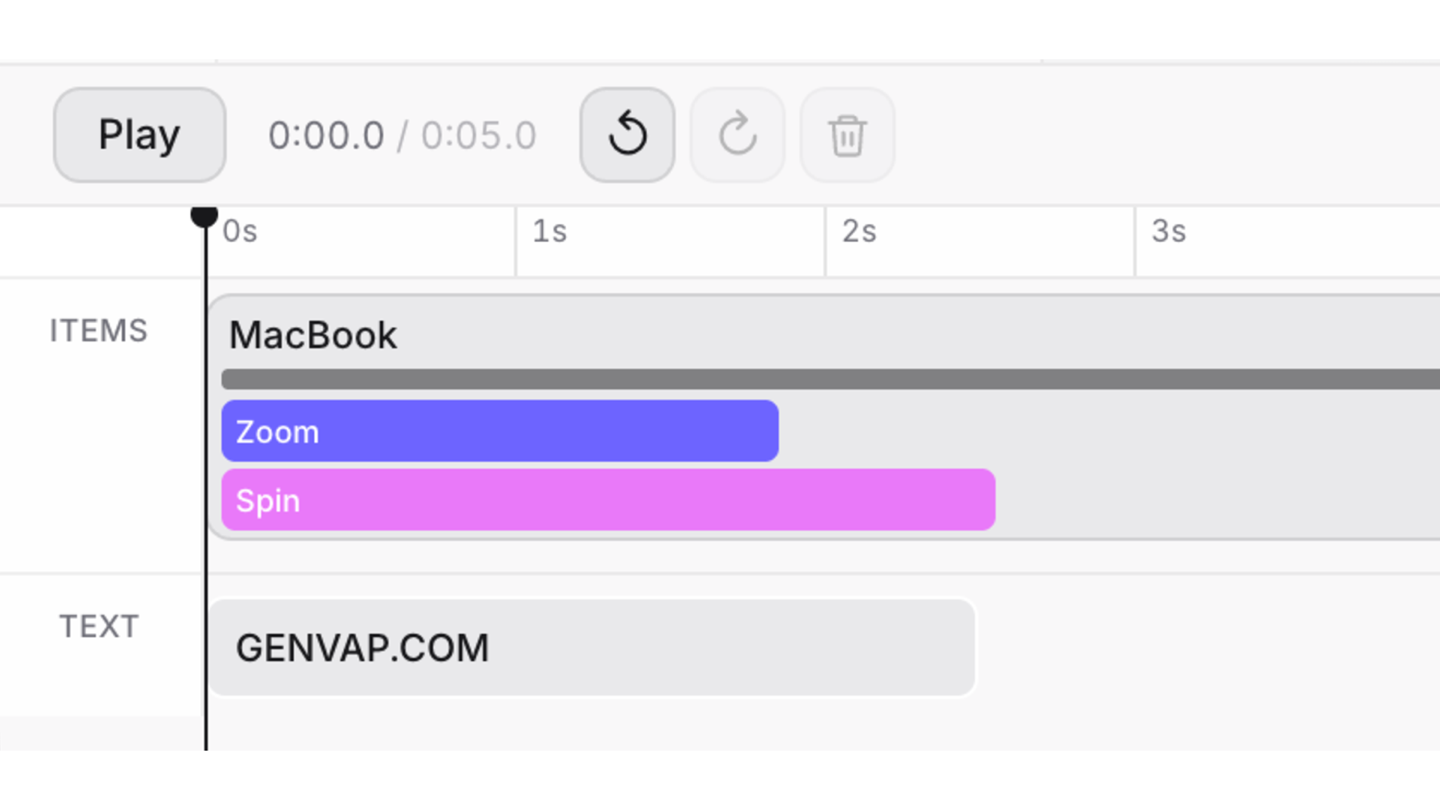
Animate the scene
Pick a device, add motions, style the backdrop, and drop in text.
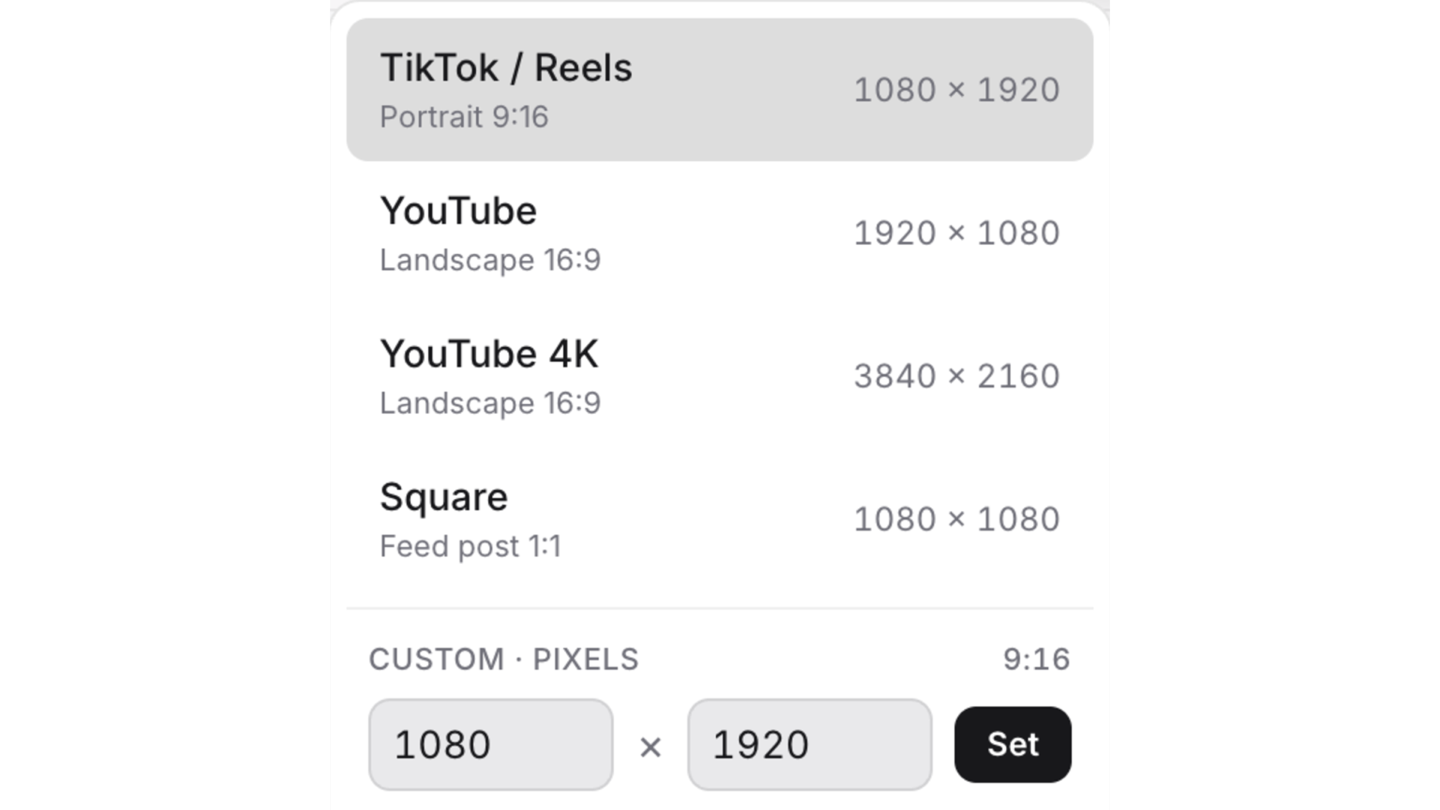
Export & share
Render your polished mockup video and post it anywhere.
Start building in your browser
Nothing to install and no trial to run out. Upload a recording, build the whole showcase, and only pay when you export something you want to keep.
Common questions
What is Genvap?
Genvap turns a screen recording or a screenshot of your app into a polished showcase — your screen running inside a real 3D phone or MacBook, on a backdrop you style, with camera moves and text. It's built for indie developers and small teams who need launch assets and don't want to hire a motion designer to get them.
Do I need to install anything?
No. Genvap runs entirely in your browser — nothing to download, no plugin, no account needed to start editing. The 3D rendering and the video encoding both happen on your own machine, which is the reason exports cost as little as they do.
Do my screen recordings leave my device?
Your recordings and screenshots are never uploaded. Everything renders locally, and a saved project stores only the edit itself — positions, timings, text, colours — plus the names and dimensions of the files it expects, which is why reopening a project asks you to re-attach your own media. The one exception is image export, where the finished image is sent to us in memory to apply or omit the watermark and handed straight back, never stored.
Is Genvap free to use?
The editor is free and there's no trial to run out. Upload, edit, preview and experiment as much as you like without paying. Previews carry a Genvap watermark, and you pay only at the point you export a finished, watermark-free file.
How much does an export cost?
$0.99 for a single image, $4.99 for a video, or $12 a month for unlimited images and video. One-off exports are yours forever — they don't expire, and there's no subscription running in the background if you only make a couple of showcases a year.
What's the difference between the video editor and the image editor?
Both give you the same 3D devices, backdrops and text. The video editor adds a timeline on top — chained camera motions, taps and swipes, and a rendered clip at the end. The image editor produces high-resolution stills instead, and exports them together as a zip when a project has more than one shot.
Which devices can I show my app in?
An iPhone 17, a Galaxy S26 and a MacBook, plus a plain flat screen for anything else. They're real 3D models you can rotate and tint — not flat PNG frames pasted over your screenshot, which is why they hold up when the camera moves. More than one can share a scene, so you can show a phone and a laptop side by side.
What format and size do videos export at?
You set the frame in exact pixels and the export renders at exactly that, with presets for TikTok and Reels, YouTube, YouTube 4K, Square and the App Store sizes. The container depends on your browser: Safari produces MP4, Chrome and Firefox produce WebM. You can also export an animated GIF, or a transparent WebM with no backdrop behind the device.
What format and size do images export at?
PNG or JPG, at the exact pixel frame you set in the editor. The presets cover the App Store screenshot sizes — iPhone 6.9", 6.5" and 6.1", and iPad 12.9" — alongside TikTok and Reels, Square and YouTube.
Can I use a Genvap video as my App Store preview?
No, and neither can any other mockup tool. Apple requires an App Store preview to show only what happens inside the app, with no device frame or 3D render around it. Genvap videos are for your own site, launch posts, ads and social. Our guide to App Store preview videos covers the specs Apple does accept.
Questions, bugs, or ideas?
Got a question, hit something that isn't working, or want a feature? Tell me what I should improve — I promise I'll build it.
Contact ussplintsite@gmail.com